
eKontingente
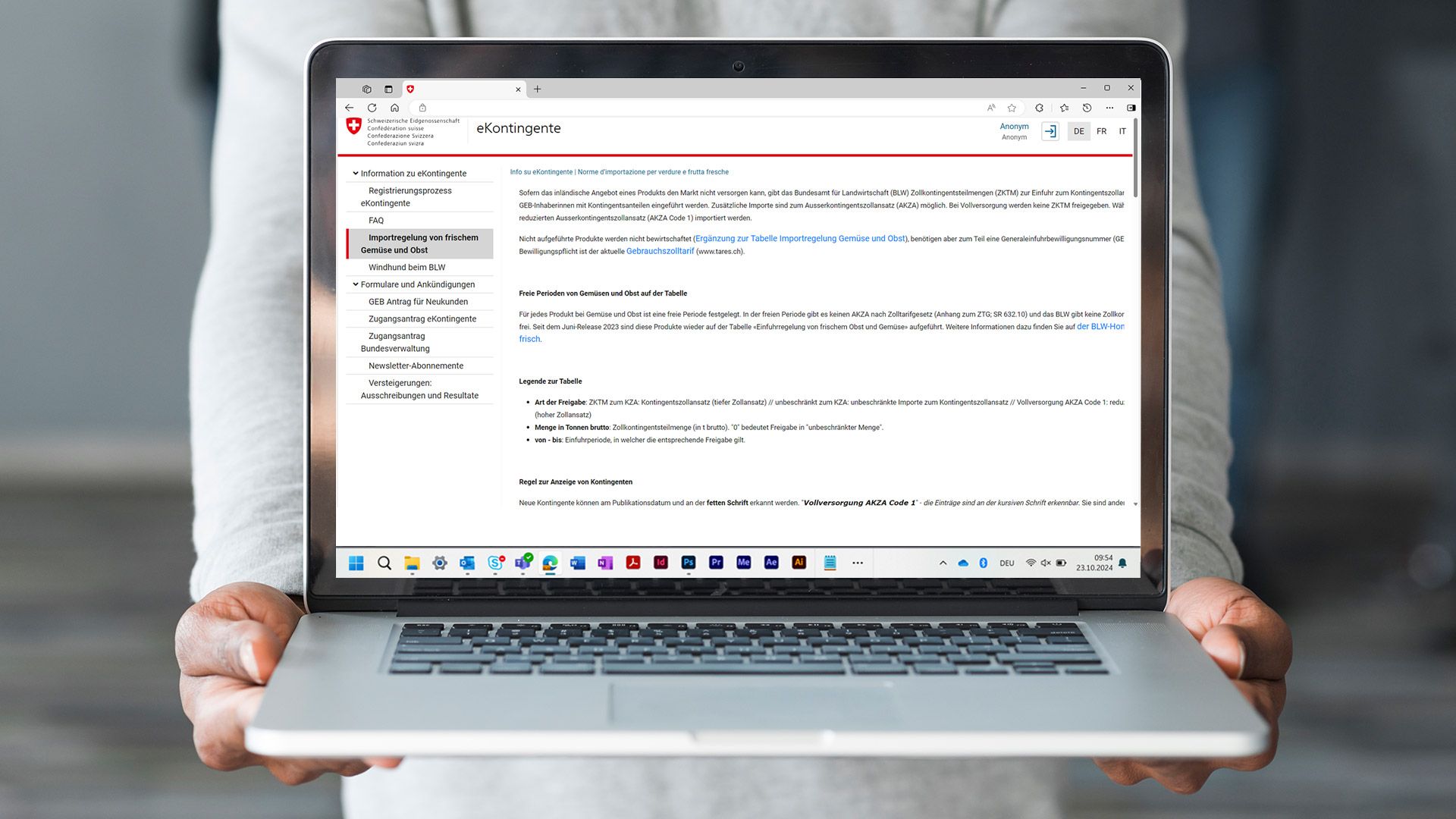
eKontingente is a web-based platform that allows users to apply for a general import permit (GIP), participate in auctions and submit import requests. It also allows users to manage and transfer their allocated quota shares.
What is eKontingente?
With eKontingente, you can
- apply for general import permits (GIPs)
- check whether you’ve been allocated any quota shares
- manage the quota shares allocated to you
- transfer your quota shares to other authorised users
- check whether you’ve received quota shares from others
- submit your bids online for quota share auctions
- report domestic purchases of vegetables, fruit, potatoes and livestock, and submit requests for quota shares
- submit requests for quota shares distributed by the FOAG on a first come, first served basis
- view your customer data and report any changes to the FOAG
- subscribe to newsletters related to your products
Applying for general import permits (GIPs)
If you do not yet have a GIP, you can apply for one via the corresponding menu on the eKontingente start page, or by clicking on the following link (this site is only available in German, French and Italian).
Registering for eKontingente
Fill out the access request form
To request access to eKontingente, you must already hold a valid general import permit (GIP), which entitles you to receive quota shares. You can fill out the access request form here (this site is only available in German, French and Italian).
Once your request has been submitted, it will be reviewed by the Federal Office for Agriculture (FOAG). If you would like to authorise an additional user for your import company, the request will need to be approved by your account manager. You will receive an email notification once your request has been approved. You can then register in eIAM.
Register in eIAM
Once your access request has been approved, you can register in eIAM and enter your login details. To do this, click the door icon (login arrow) in the top-right corner of the eKontingente homepage. Select the agov-LOGIN option and create an eIAM account using the same email address you entered in your eKontingente access request.
For help with agov-LOGIN, visit the Federal Office of Information Technology (FOITT) support page: eIAM Help
Logging in to eKontingente with agov-LOGIN
- Click the door icon (login arrow) in the top-right corner of the eKontingente homepage.
- Select agov-LOGIN.
- Log in by scanning the QR code with your AGOV access app.
- Once you're logged in, the eKontingente info page will be displayed.
Link to eKontingente
You can access eKontingente at: www.eKontingente.admin.ch (this site is only available in German, French and Italian).
Who is eKontingente for?
- eKontingente is available to all importers and holders of a GIP.
- eKontingente also supports the relevant authorities (cantonal offices, inspection bodies and federal agencies) in fulfilling their enforcement and supervisory responsibilities.
How to use eKontingente
eKontingente will guide you through each step of the process. If you still have questions, feel free to contact us at: ekontingente@blw.admin.ch
Further information
The FOAG provides a reduced English-language version of its website that does not include all further information such as documents, legislation or links. These can be found on the pages in the three official languages (German, French and Italian).
Index
Contact for technical questions
Import and Export
Schwarzenburgstrasse 165
Switzerland - 3003 Bern